Knowing how to check keyword rankings is one of the simplest ways to measure SEO progress. It helps you see whether your pages are becoming more visible, which terms are gaining traction, and where better optimization could lead to more traffic.
At the same time, rankings are easy to misread. Search results vary by location, device, search history, and SERP features such as ads or featured snippets. That means rank tracking is not just about finding a number. It is about understanding what that number means in context.
This guide explains the best ways to check keyword rankings, how to get more accurate data, and how to interpret rankings in a way that leads to better SEO decisions.
What Keyword Rankings Mean
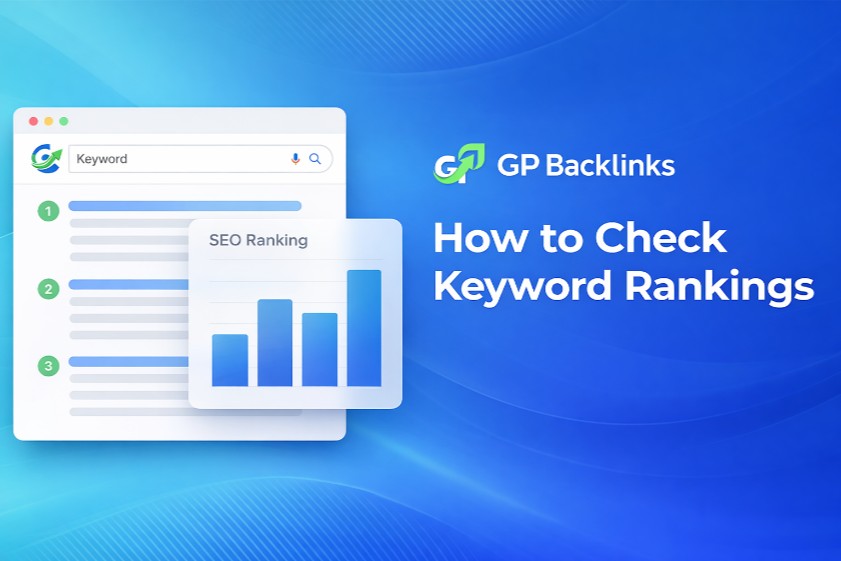
Keyword rankings describe where your page appears in search results for a specific query. If your page is the fourth organic result for a term, your ranking for that keyword is position 4.
That sounds straightforward, but rankings are more flexible than they first appear. A page may rank differently depending on:
the user’s location
whether the search happens on mobile or desktop
language settings
search personalization
the SERP features present on the page
Because of this, keyword rankings are best treated as directional performance data. They are excellent for spotting trends, measuring improvement, and identifying weaknesses, but they should not be treated as a fixed number that never changes.
Best Ways to Check Keyword Rankings
There are several ways to check keyword rankings, and each one serves a different purpose. The best approach depends on whether you want a quick check, a broad performance view, or long-term rank tracking.
Manual Google Search
The most basic method is to search your keyword in Google and look for your page.
This works well when you want to:
do a quick spot check
inspect a small number of keywords
see the real search results page with competitors, ads, and SERP features
The downside is that manual searches are influenced by location, device, and browsing history. They also become inefficient if you need to track many keywords over time.
Manual checking is useful for quick validation, but it works best as a supporting method rather than your main ranking system.
Google Search Console
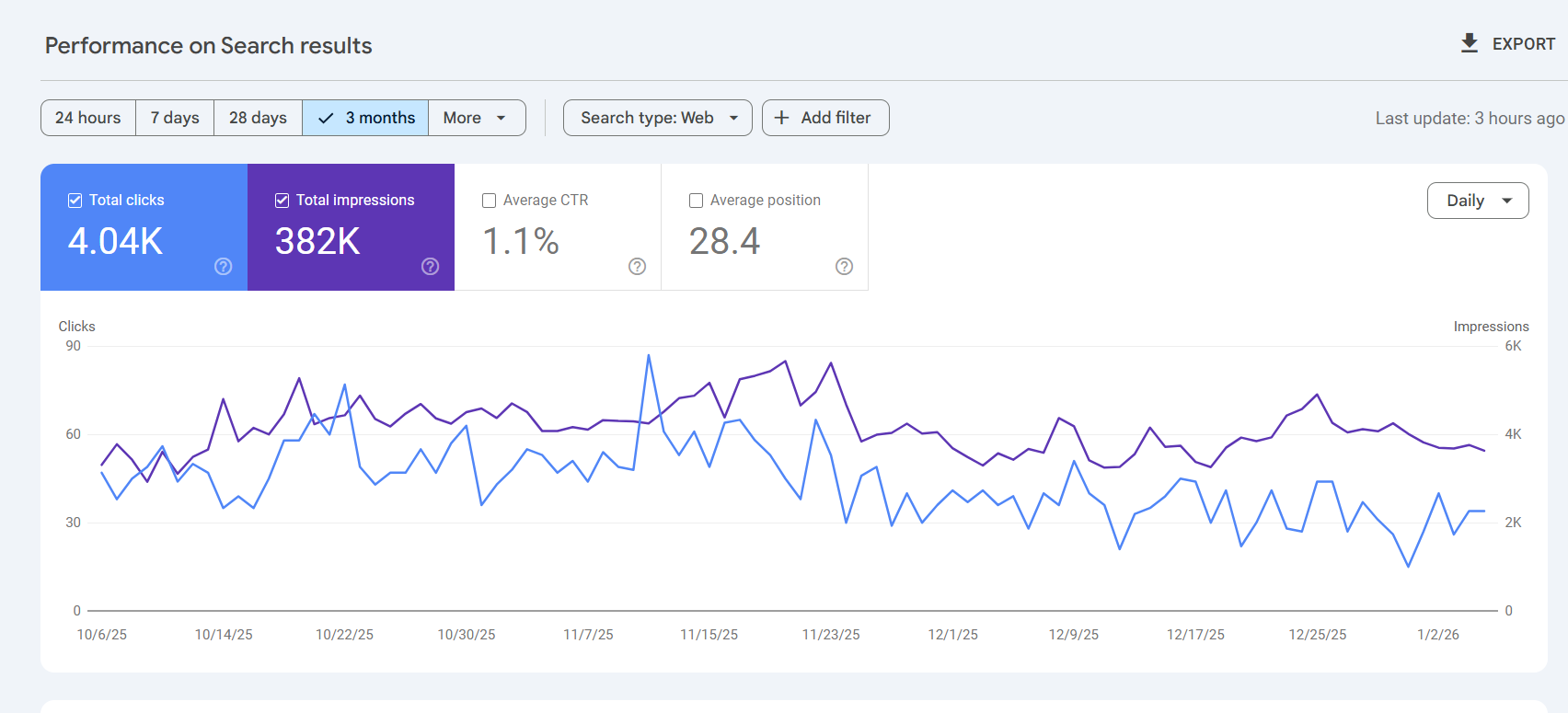
Google Search Console is one of the most practical free tools for checking keyword rankings. It shows the queries your site appears for, along with impressions, clicks, CTR, and average position.
Its main strength is that it reflects real search performance. Instead of simulating rankings, it shows how your site actually appeared across searches.
Search Console is especially useful when you want to:
discover keywords already generating impressions
monitor ranking changes over time
connect rankings with clicks and CTR
find pages that are visible but underperforming
The main limitation is interpretation. “Average position” is not the same as a fixed ranking. It is an average across many impressions, so it should be read as a trend signal rather than an exact spot on the SERP.
Paid Rank Tracking Tools
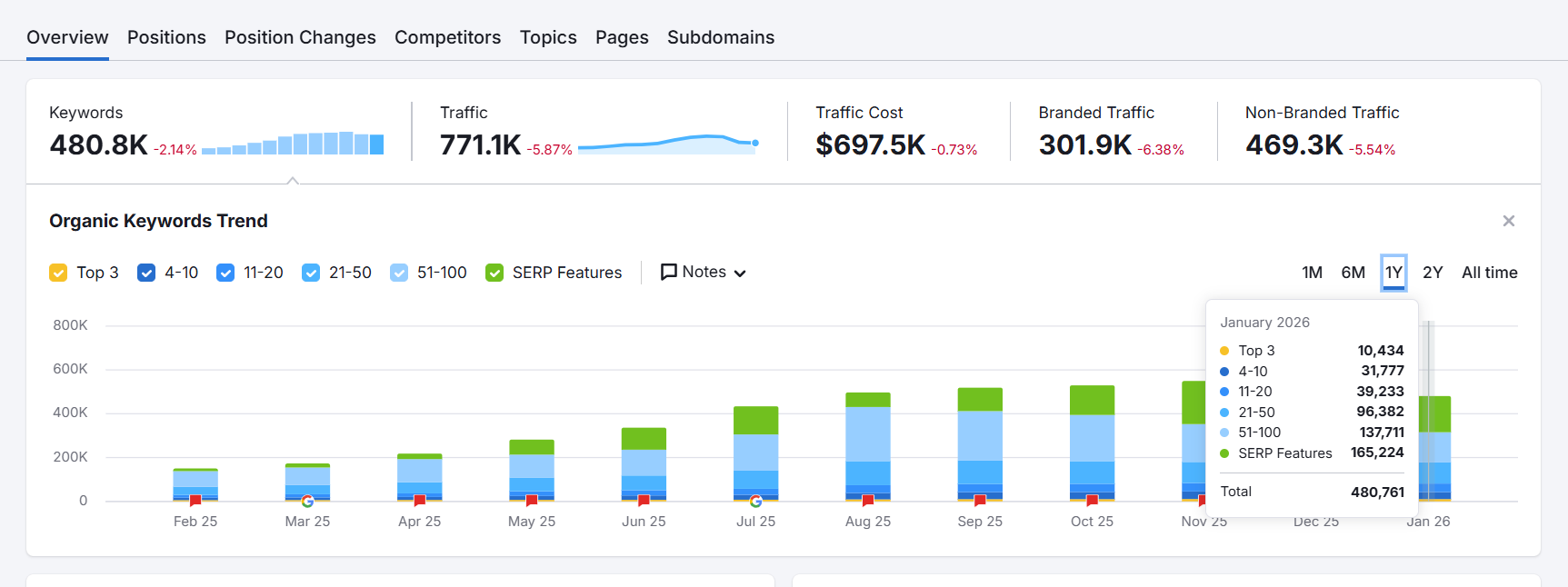
Paid rank tracking tools are built for structured monitoring. They usually let you track keywords by country, city, device, and search engine, while also storing ranking history and sometimes showing competitor movements and SERP features.
These tools are especially useful for:
agencies managing multiple sites
in-house SEO teams
local SEO campaigns
businesses tracking competitive commercial terms
Their biggest advantage is consistency. Instead of checking manually, you get repeatable ranking data over time. Their main limitation is that the numbers are still based on chosen tracking settings, so they may not exactly match every real-world search.
How to Get More Accurate Ranking Data
If you want better ranking insights, you need to reduce the variables that distort search results. More accurate rank tracking comes from a consistent method.
Location and Device Settings
A keyword can rank one way on desktop and another way on mobile. It can also rank differently from one city or country to another.
That is why it is important to define:
your target country or city
desktop or mobile device type
the search engine version you care about
the relevant language setting
This matters even more for local-intent and mobile-heavy searches. Broad tracking without these controls can hide the real picture.
Depersonalized Search Tips
Google personalizes results based on account activity, previous searches, and other behavioral signals. This can make manual ranking checks misleading.
To make manual checks more neutral:
use incognito or private browsing
log out of Google where possible
avoid repeated searches from the same active profile
treat one-off checks as directional, not definitive
These steps will not remove every variable, but they help reduce personalization bias.
SERP Features and Visibility
A high ranking does not always guarantee strong visibility. A page may rank well but still sit below ads, featured snippets, local packs, or other rich results.
Common SERP features that affect visibility include:
paid ads
featured snippets
answer modules
image packs
video results
local packs
people also ask boxes
This is why checking keyword rankings should include looking at the full SERP, not just the organic position number.
How to Interpret Rankings Correctly
Good rank tracking is about more than collecting positions. It is about understanding whether those positions lead to visibility and clicks.
Average Position vs Real Visibility
Average position can be helpful, but it can also hide variation. A keyword with an average position of 5.2 may have appeared in several different spots across users, devices, and locations.
That is why real visibility is often a better question than rank alone. Look at:
whether impressions are increasing
whether rankings are stable or volatile
whether the page appears across devices and locations
whether ranking improvements lead to more traffic
A small ranking gain does not always lead to better performance. On the other hand, stable rankings can drive stronger results if the page becomes more compelling in search.
CTR and SERP Layout
CTR gives context that rankings alone cannot provide. If a page ranks well but earns few clicks, the issue may be:
weak title tag or meta description
poor match with search intent
strong competing SERP features
a snippet that is less compelling than nearby results
Likewise, a page in a lower position can sometimes perform well if its snippet is strong and closely aligned with what users want.
That is why keyword rankings should always be analyzed alongside impressions, CTR, and page performance.
Common Ranking Problems and Fixes
When rankings drop or fail to improve, the cause is often practical rather than mysterious. Here are a few common problems and fixes.
Problem: Rankings look different every time you check.
Fix: Use the same location, device, and checking method every time. Compare trends across time instead of relying on isolated searches.
Problem: Your page ranks, but traffic is disappointing.
Fix: Review the SERP layout, improve the title tag and meta description, and confirm that the page matches search intent clearly.
Problem: Search Console shows impressions, but the page is not moving up.
Fix: Improve topical relevance with better depth, clearer structure, stronger on-page optimization, and internal links from related pages.
Problem: You rank well in one area but not another.
Fix: Check for local intent. If the keyword is location-sensitive, stronger local relevance and location-specific pages may be needed.
Problem: A rank tracker and manual search show different positions.Fix: Compare the device, location, timing, and search setup used for each. Differences are normal. What matters most is whether the overall trend is improving.
Which Tracking Method Should You Choose?
The best tracking method depends on how much detail you need.
If you are just getting started, Google Search Console is usually the best first step. It is free, practical, and based on real search performance.
If you want to inspect live search results and see how the SERP actually looks, add manual Google searches as a supporting method.
If SEO is a key growth channel and you need ongoing monitoring by location, device, or competitor set, paid rank tracking tools are worth considering.
For most teams, the strongest setup is a combination:
use Search Console for performance trends
use manual checks to inspect the live SERP
use rank tracking tools for structured monitoring
That gives you a more complete and more realistic view of keyword rankings.
FAQ
How often should you check keyword rankings?
Weekly or biweekly tracking is enough for most sites. Daily checks can create unnecessary noise unless you manage a large campaign or highly competitive terms.
Is Google Search Console accurate for keyword rankings?
It is very useful for understanding search performance, but average position should be interpreted carefully because rankings vary by impression.
Why do keyword rankings change so often?
They can change because of algorithm updates, competitor activity, location differences, device type, personalization, and changes in SERP features.
Are manual Google searches reliable?
They are useful for spot checks, but not reliable enough to use alone because results are influenced by context and personalization.
What matters more than rankings alone?
Clicks, CTR, conversions, and overall search visibility matter more than a single ranking position.